
HubSolv Messenger is a web-based application which runs in real time in the browser, meaning there's no need for downloads or installations. which allows direct messaging, and file uploads in real time between your users and customers.
The module when enabled in a particular campaign, will allow various levels of interaction as your customer goes through the pre-approval process.
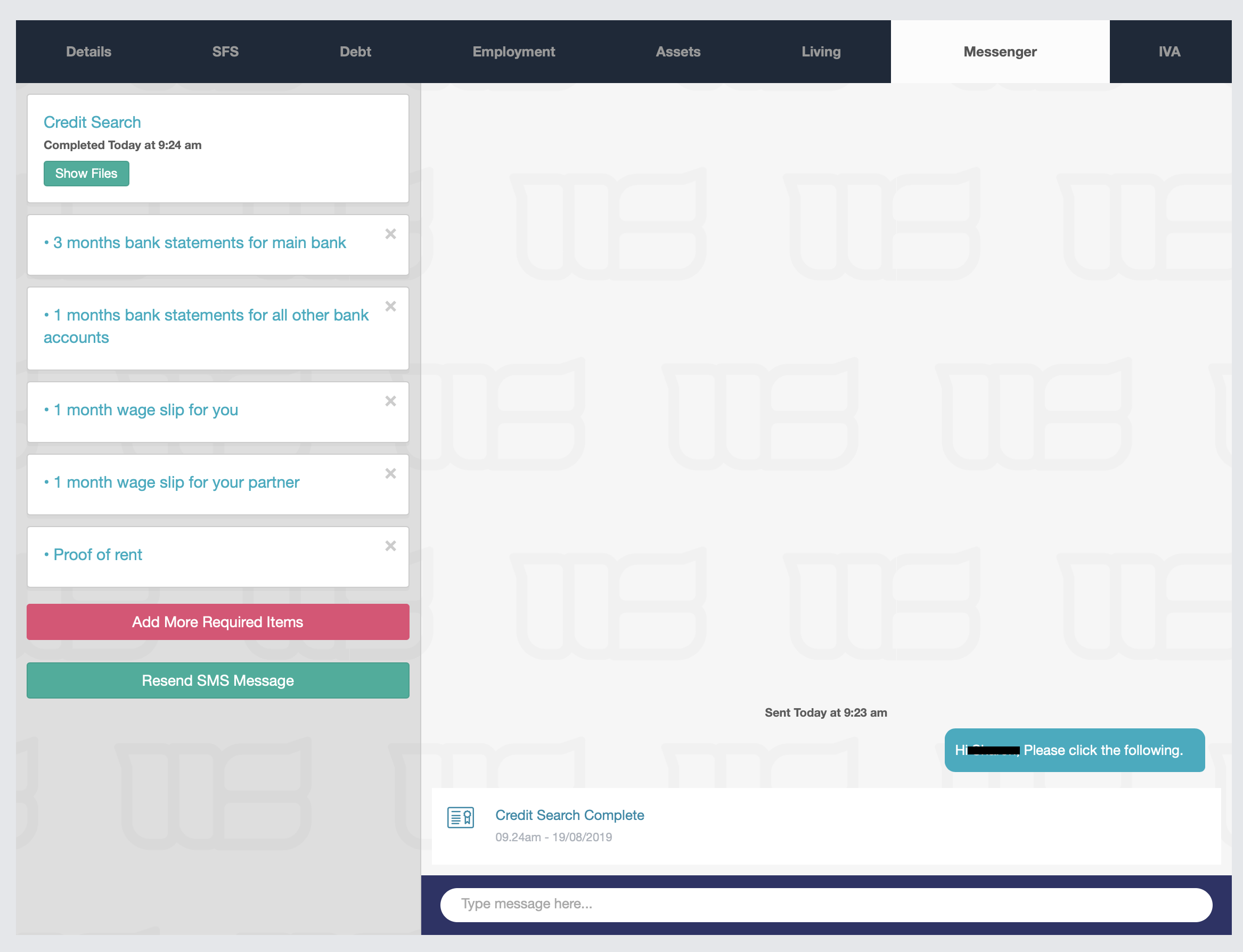
The module acts as a secure portal between the user and the customer and is a way of a debtor uploading copies of required documentation (wage slips, bank statements, rental agreements etc) directly into the case for approval.
It also has integration with the ability to run Credit Searches in addition to a service called Bank Connect and can be used also as a live-chat function.
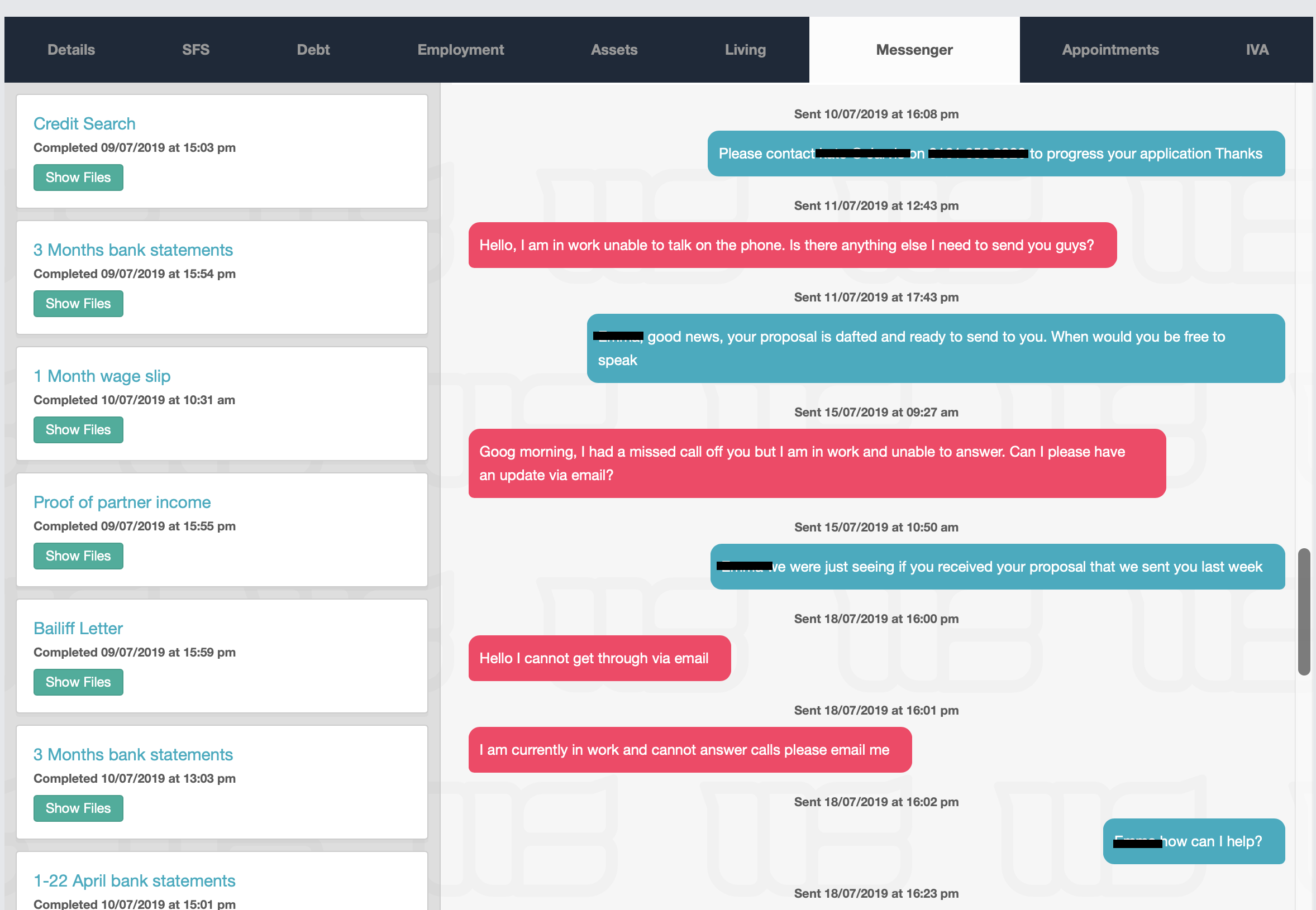
Any customer returned documents will show in the tabs on the left hand side (in green box 'Show Files'), with the live chat conversation history appearing to the right hand side of the module. You can view the documents in here, and they will also appear in the client files section of HubSolv (bottom right of the page)
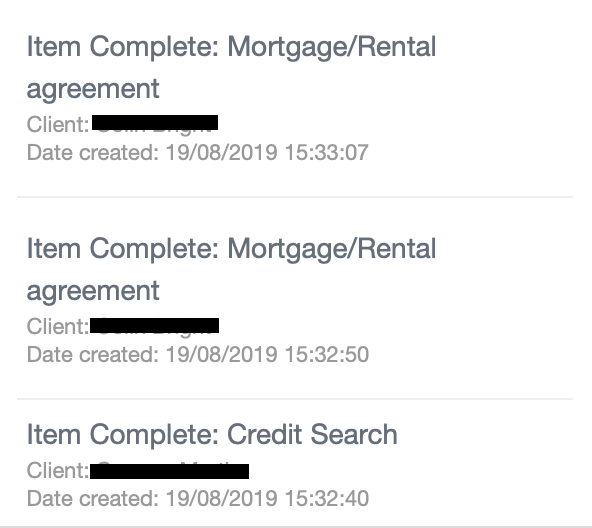
When a new message is sent from a client, you will receive an alert in the HubSolv Messenger icon at the top of your HubSolv. This will then allow your users to go in and view what's been uploaded, or left as a direct message.

For a demo of HubSolv Messenger, click here!,
We also have a full suite of how-to guides on using HubSolv Messenger which can be found here
and for more assistance contact us on support@hubsolv.com
Comments
0 comments
Article is closed for comments.