
Cancelling an IVA Case within HubSolv
There may come a time when a case has to be cancelled. HubSolv makes this pretty straight forward to do:
- Set the Closed/Cancelled date in the strategy tab [1]
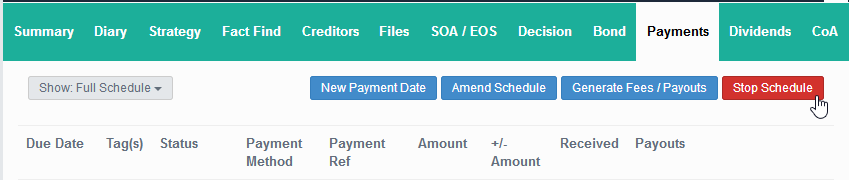
- Set the payment schedule to Stop [2]
- Add the Client to a Failed/Cancelled campaign to keep track in reports
After that is done, HubSolv will see the case as cancelled and you'll be able to filter on it as such.
[1] Strategy Date

[2] Payment Schedule Stop
Comments
0 comments
Please sign in to leave a comment.