
The Debts module is dynamic in being able to be completed/updated via HubSolv Messenger or manually by you, the user. The Debts module will also pull the relevant information onto the Proposal or Pack you will send to the client and creditors. This is achieved by using dynamic fields when creating a document template.
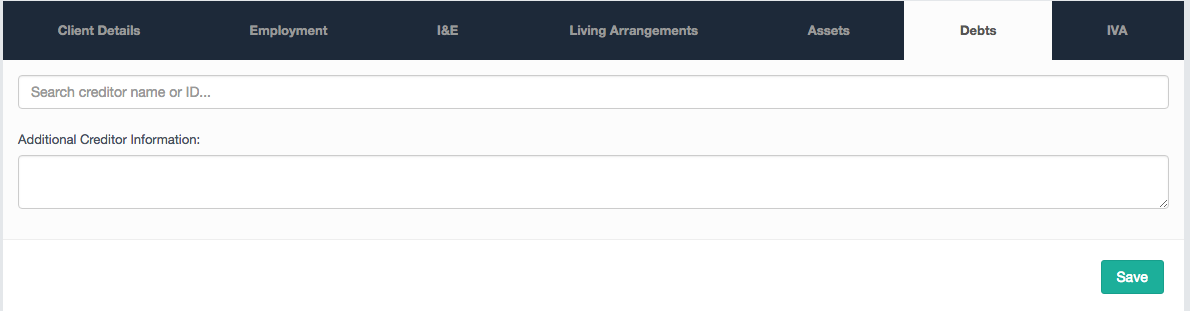
Using the Debts Module within a client record allows you to search for creditors using the search box provided. You can also include notes on the listed creditors relevant to the case. If there are any creditors that you need who are not on the creditor search, contact helpdesk@hubsolv.com
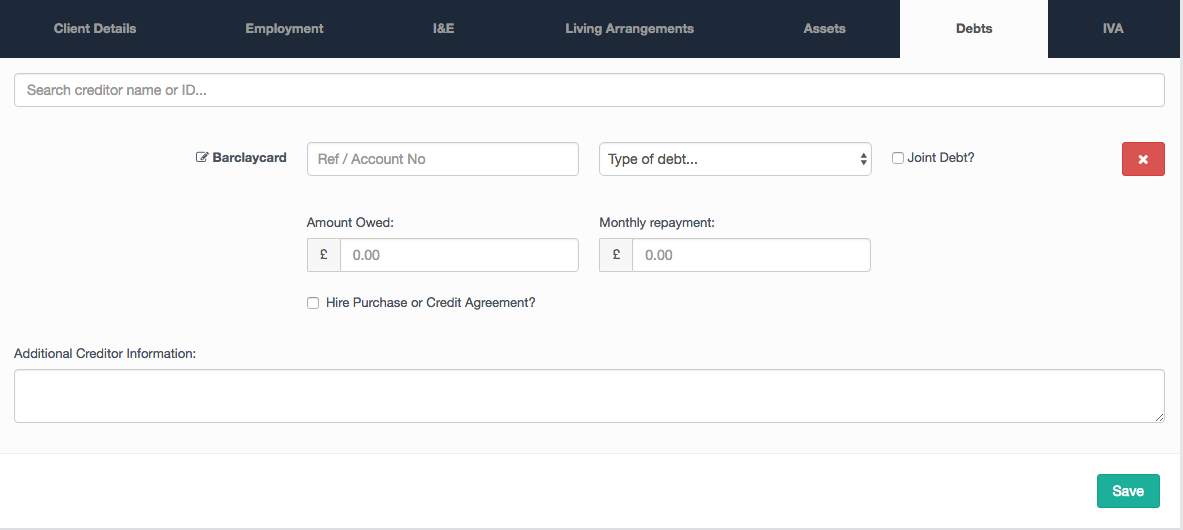
Once you select a Creditor, you can complete the necessary fields and select the type of debt, whether it is a joint debt and the amount owed/monthly payments. When you select the type of debt from the dropdown you can choose whether it's an unsecured or secured debt. Secured debts will typically not form part of the proposal you generate so selecting the right type of debt in this field is paramount.
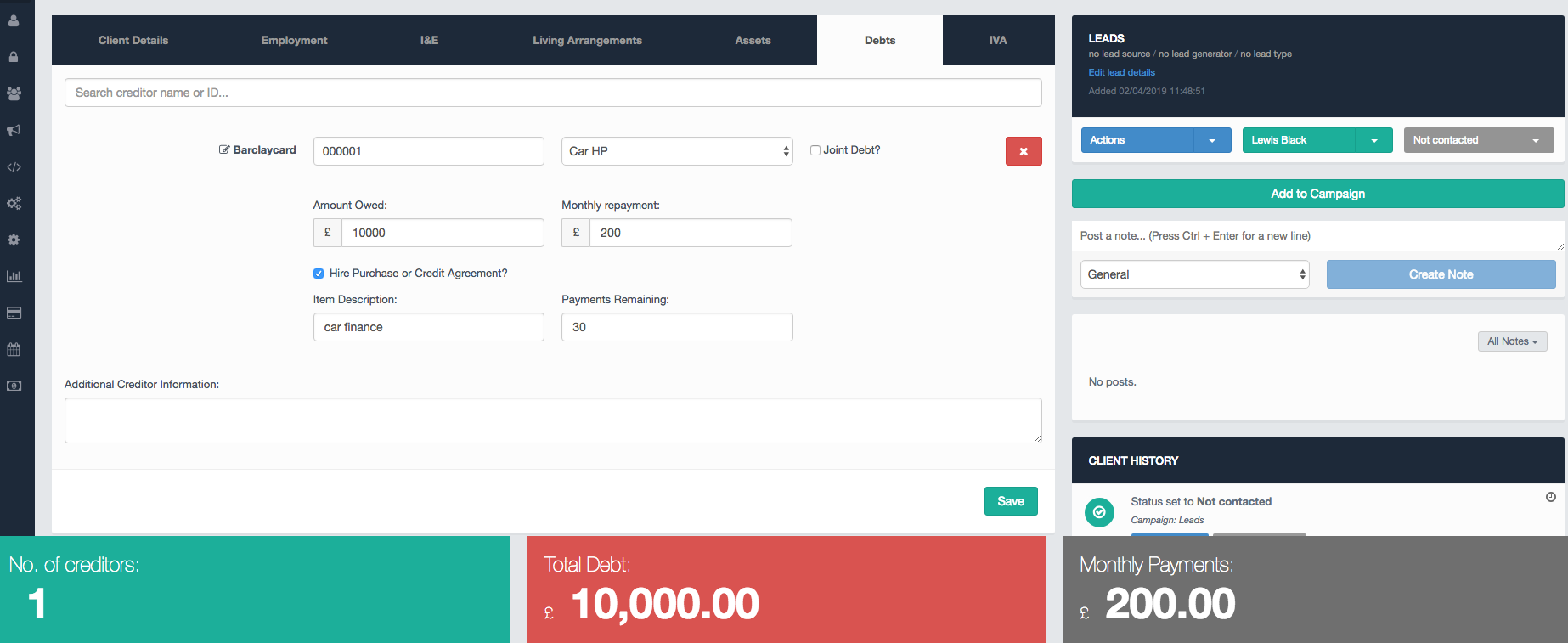
You can also select whether the debt is part of a hire purchase or pre-existing credit agreement and how many payments are remaining.
Using HubSolv Messenger
The Debts Module will be automatically completed if you perform a credit search with the client using HubSolv Messenger.
Once the client completes the credit search using HubSolv Messenger, all debts will populate the debts module that can be found. It is important to confirm the information held within this module with the client before you continue the case as there may be more to declare.
The credit search will also save a copy of the information obtained as a PDF in the client files.
Comments
0 comments
Article is closed for comments.