
HubSolv can be setup to contain all sorts of documents which can be populated with data from your client files.
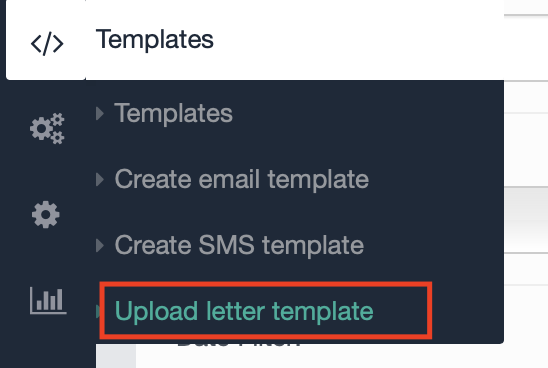
To create a new letter template; first select the template icon from the left hand navigation bar and then select upload letter template.
Create the letter template you require using Microsoft Word, and add in the necessary dynamic fields where required to pull through
A list of common dynamic fields can be found by clicking here
Note - In letter templates we require you to use dollar signs $ $ to start and end a dynamic field.
Once you have made your template ensure the file is saved as docx file and then upload it
The letter template can then be selected to be issued to your client, either manually through the client record actions menu, or through automation via your workflows and triggers.
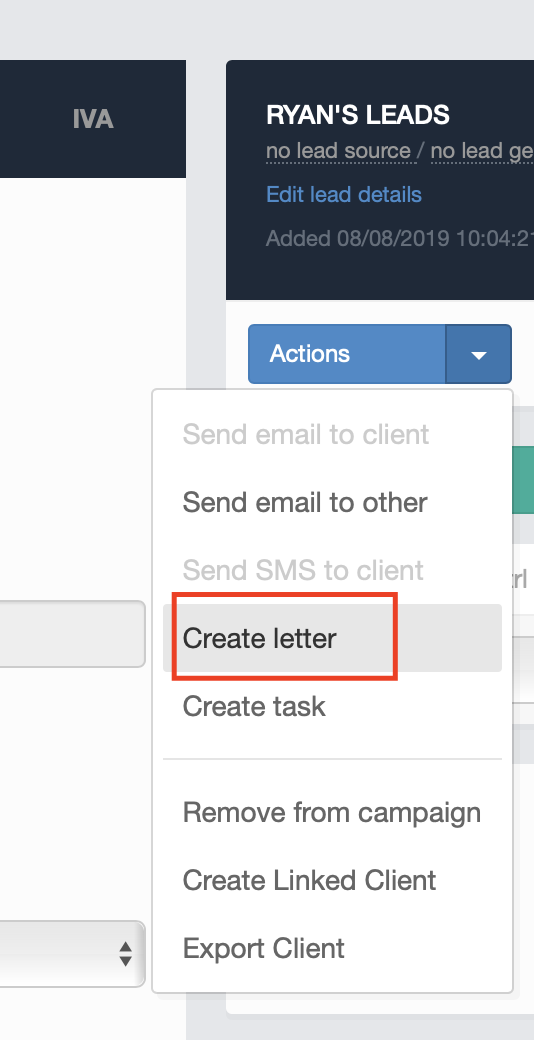
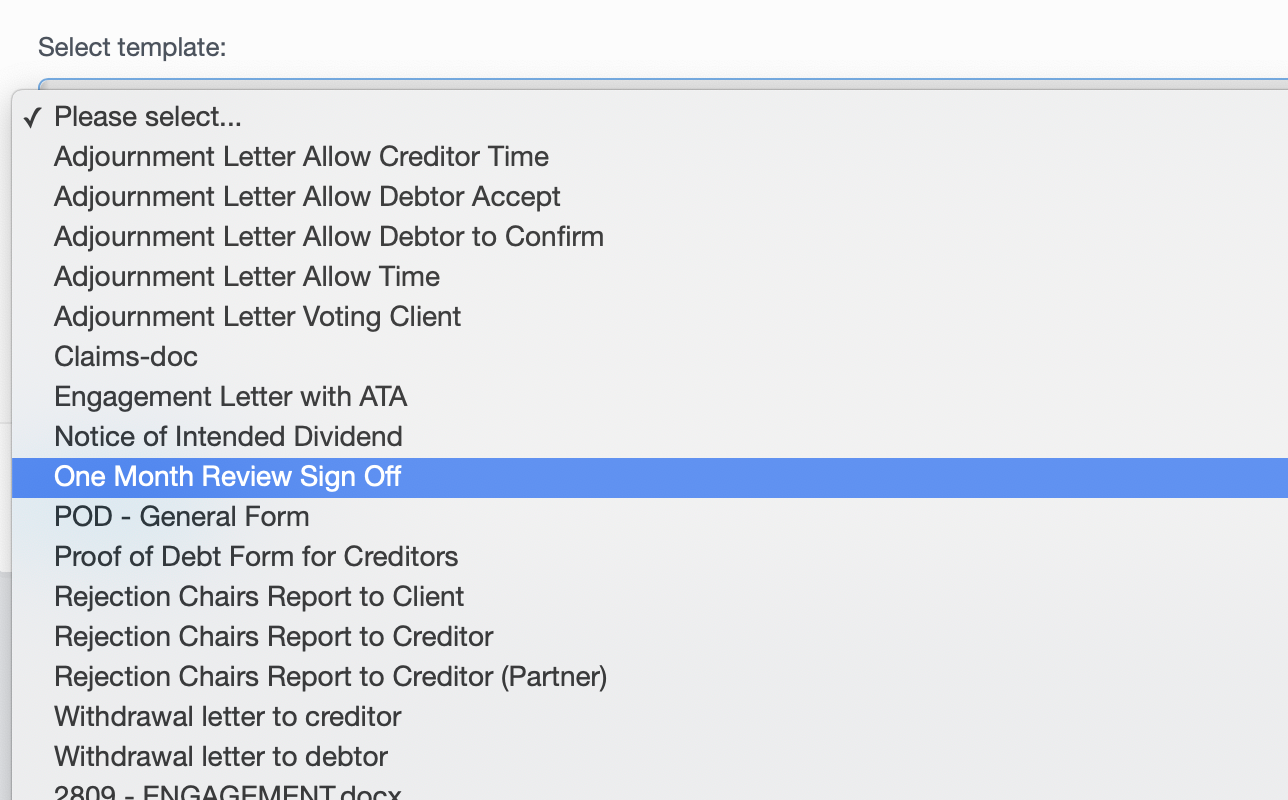
To manually issue a letter via the actions menu, click on create letter, and then select the letter template you wish to use from the drop down list
You can find out more information on how to set up automation to send out documents by clicking here
If you require any further assistance with letter templates, dynamic fields or setting up automation to issue documents contact helpdesk@hubsolv.com
Comments
0 comments
Please sign in to leave a comment.