
The Courier Module is a place where you can view, manage and amend appointments in your system.
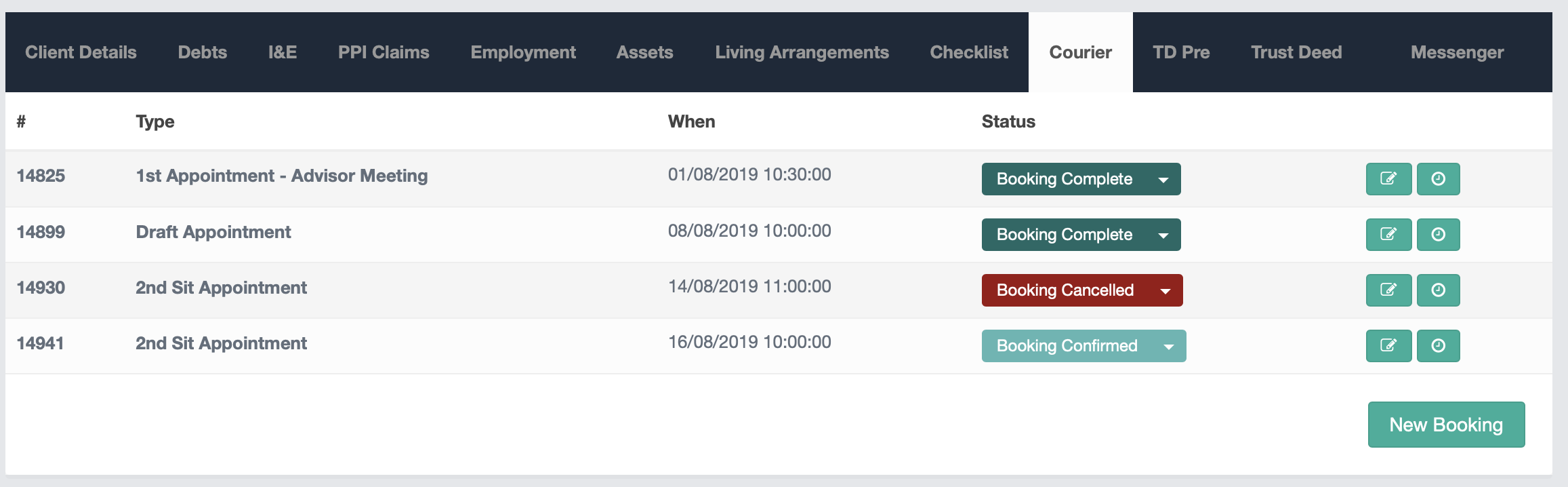
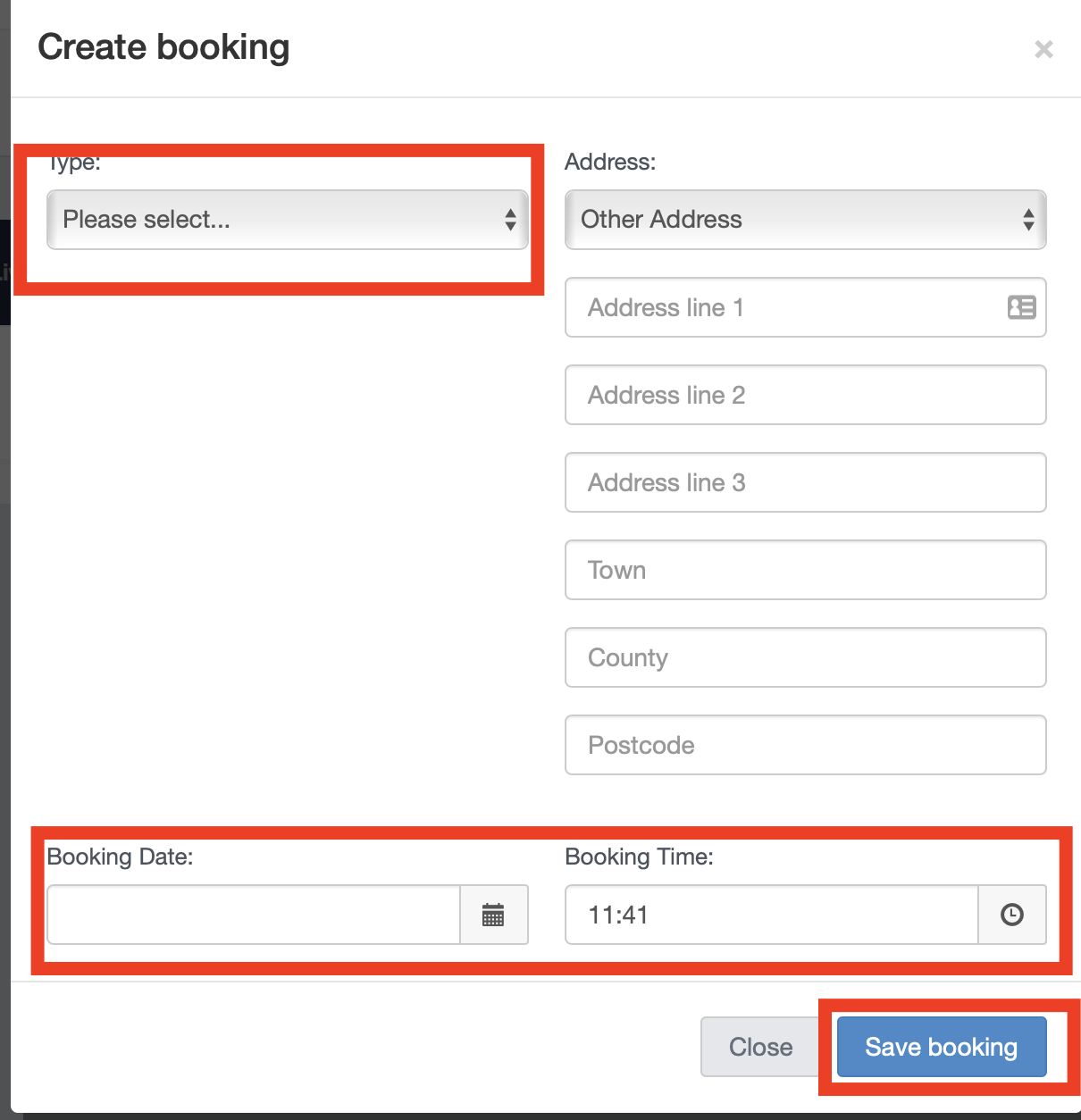
By clicking on 'New Booking' it opens up the options to book a new appointment. You would also select the address of the appointment in here, by pulling through the client's information from the details screen, or you can input a bespoke address too. You also can select the time and date of the appointment before saving.
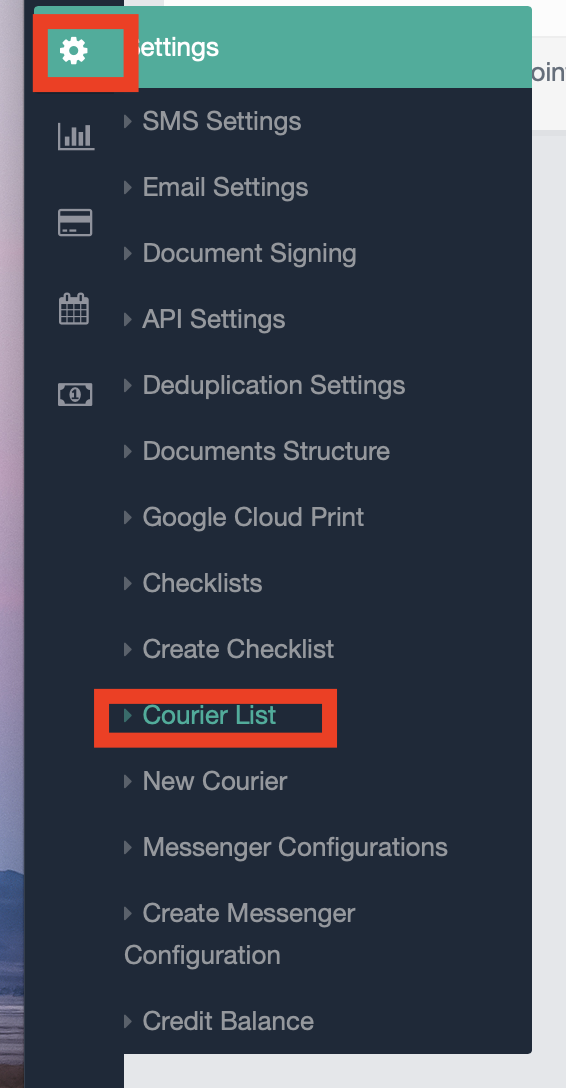
The Appointment Type can be set from the Settings tab, where you can add in more if required by clicking on 'New Courier'.
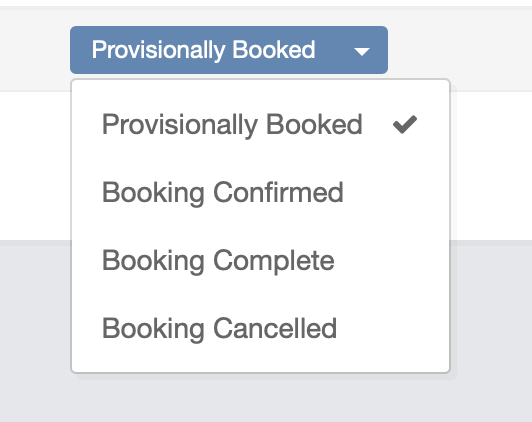
Within the Courier module, you can also set appointment statuses, which can be easily amended by your advisors with a click on the applicable one. Automation can then be set for actions to take place, such as email or SMS reminders to your clients about an upcoming appointment, to run off the back of a status change.
You can see more information on how to set up automation via our Triggers and Workflow how-to guides here.
If you have any questions please email helpdesk@hubsolv.com
Comments
0 comments
Article is closed for comments.