
The employment module is a tab where you can store information relating to a client's work arrangements to assist with your process.
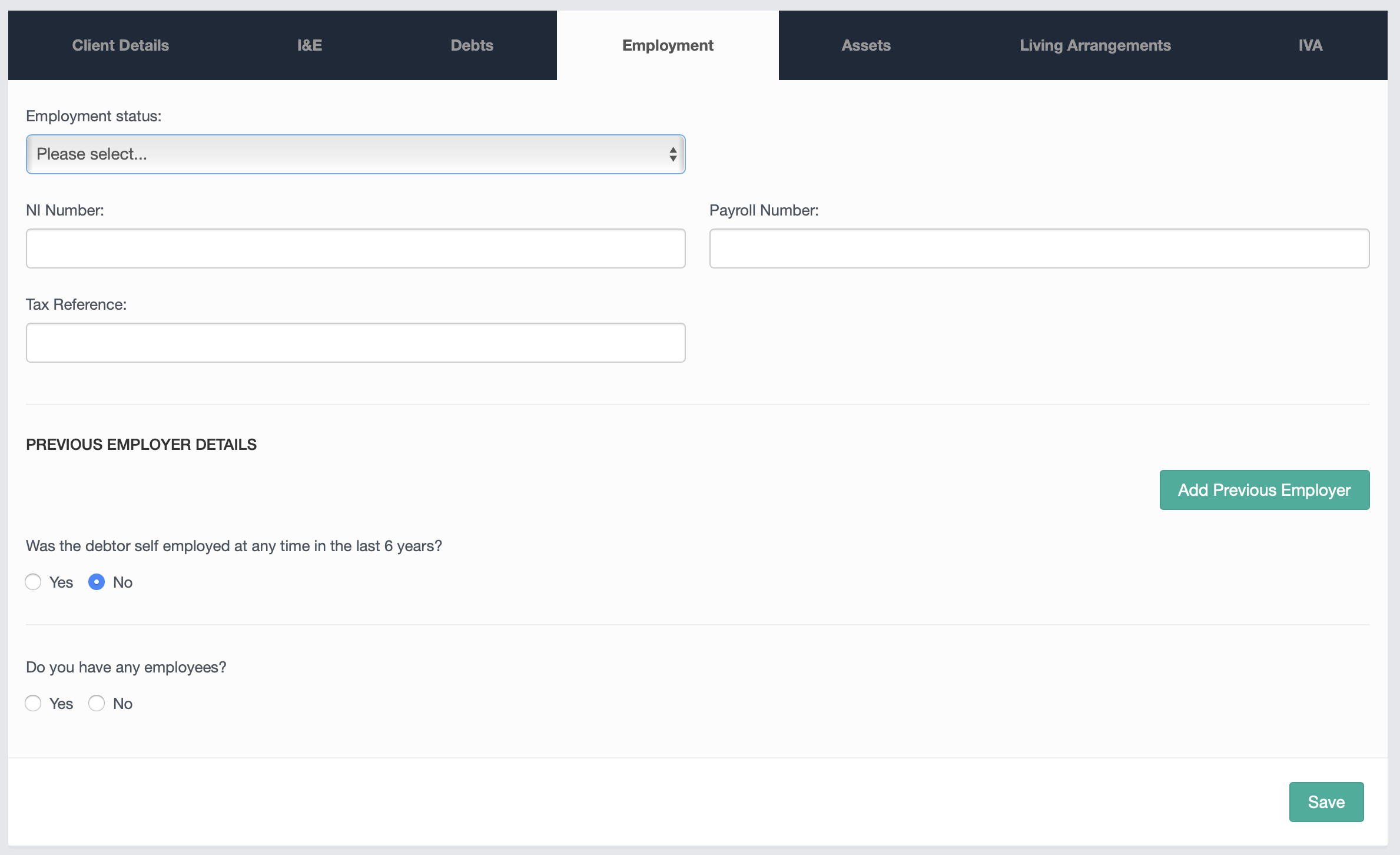
The first section in the module is a drop down menu where you can select the relevant employment status of the client.
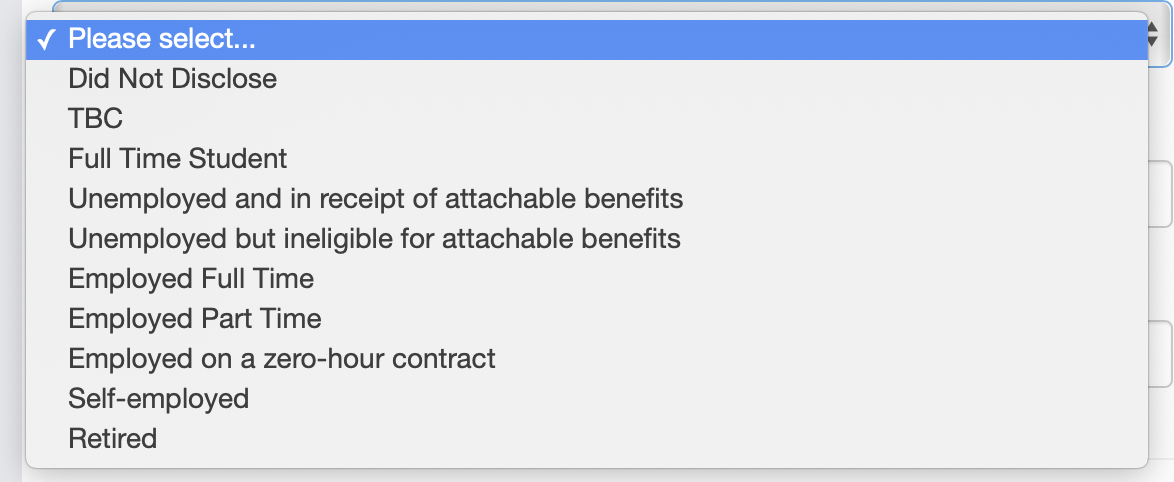
Depending on their employment status it may determine which products and services they would be eligible for.
Below the drop down menu there are text boxes for you to store information relating to NI, payroll and tax references if required within your process. You can also replicate the process to store information on previous employment if necessary by clicking on the "Add Previous Employer" button.
There are also a couple of questions relating to self-employment below this section, which can be answered with a Yes/No radio button if applicable.
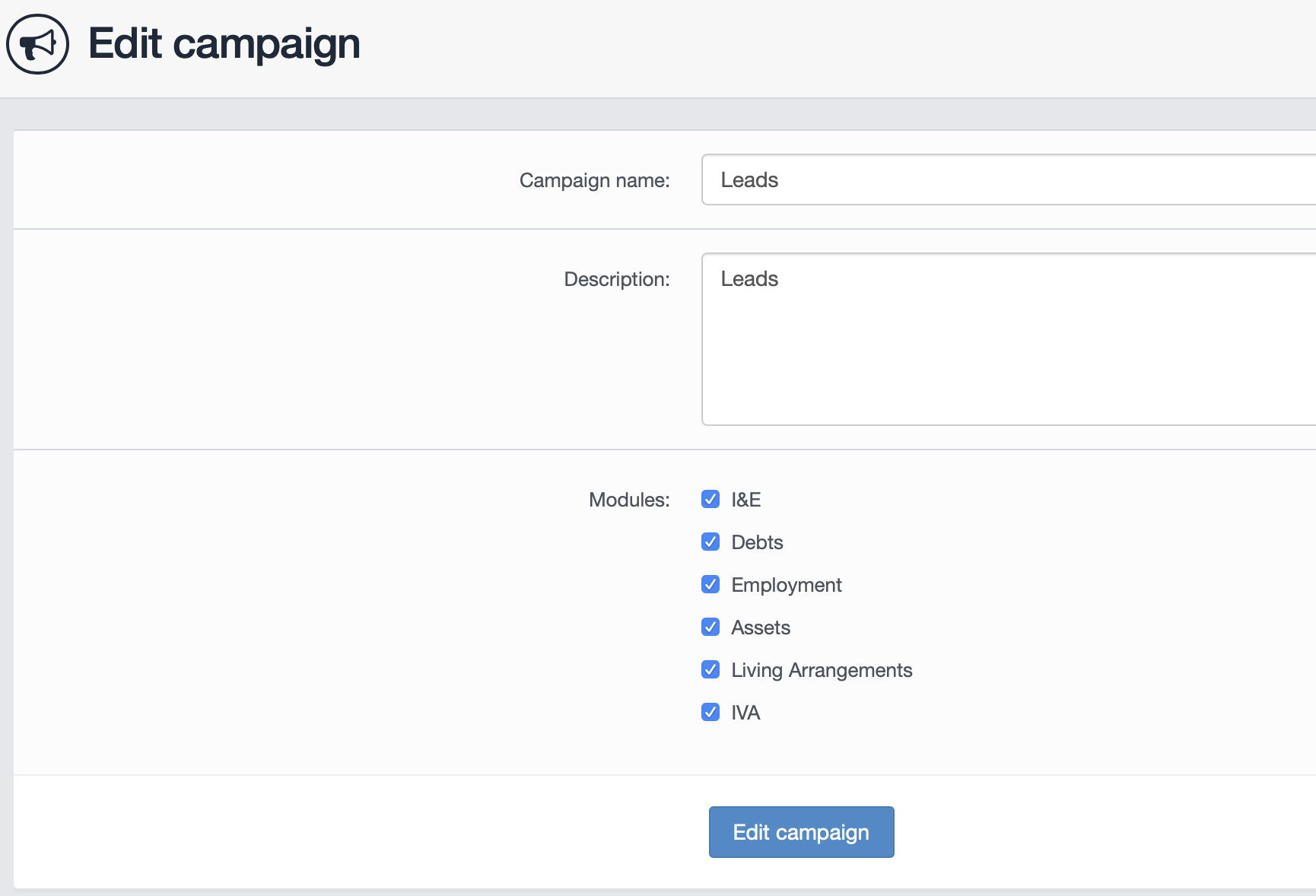
Access to the employment module can be restricted by campaign to whatever groups of users are required to use it. To enable a module, click on the edit campaign button within the campaign management section. The various modules for selection can be picked from here.
Comments
0 comments
Article is closed for comments.