
The Living Arrangements module is a tab where you can store a host of information on a client's domestic living situation.

It is broken down into two main sections.
1. Occupancy Status
2. Other People / Dependants
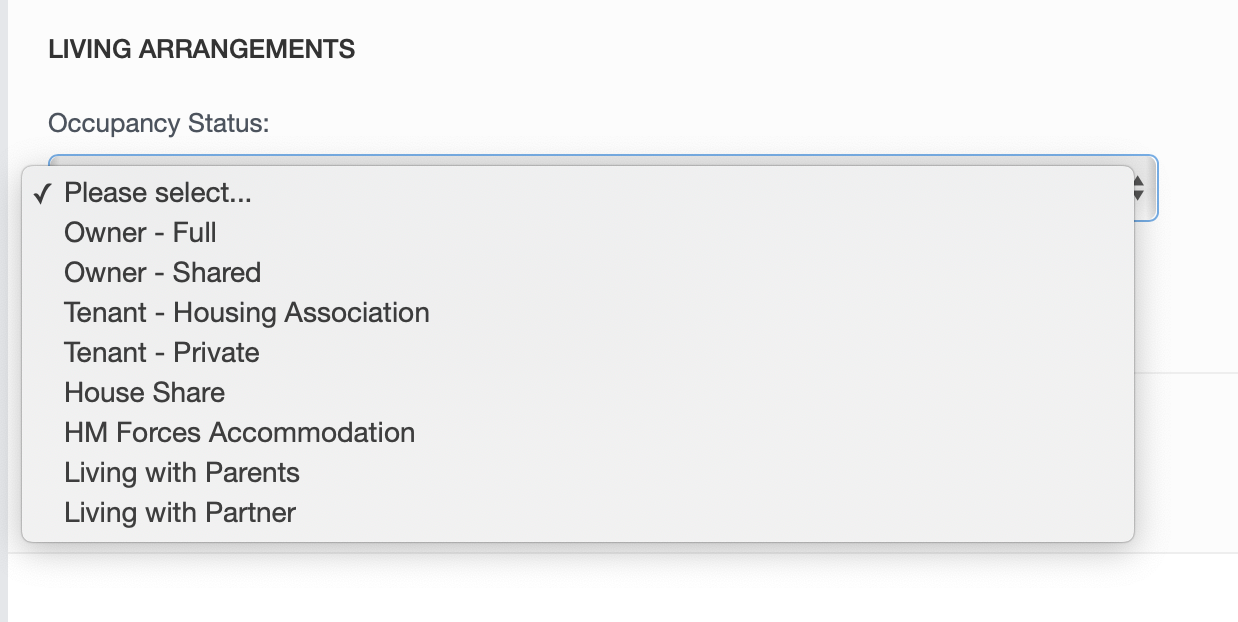
The Occupancy Status drop down menu gives a list of options for living status which can be selected by clicking on the relevant option which can be asked during your call.
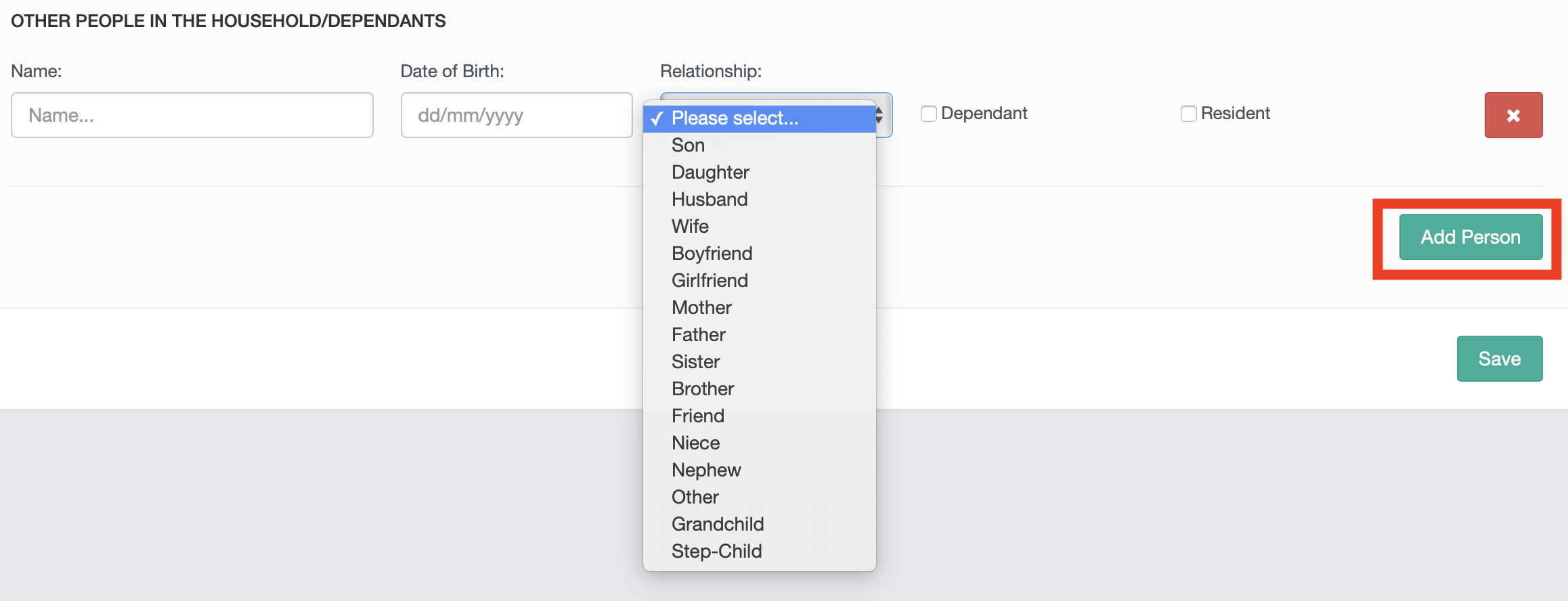
The bottom section allows you to input information relating to other people and/or dependants within the household. To add a persons details click on the "Add Person" button at the bottom and populate with name, date of birth, relationship to the main debtor and there are tick boxes to indicate dependant or resident. You can add as many people to this section as is required by using the "Add Person" button.
Including this information at this stage could be vitally important when it comes to processing the case towards being accepted. This information can also be pulled into any templates you wish to generate into documents to be sent to clients/creditors. below is a list of useful dynamic fields which can be pulled into your generated documents.
$BLOCK_household_persons$
$no_of_persons$
$total_persons$
$no_of_dependants$
$no_of_resident_dependants$
$no_of_non_resident_dependants$
$no_of_non_dependants$
$dependant_ages$
$resident_dependants_ages$
$occupancy_status$
$BLOCK_lives_with_parents_true$
$BLOCK_lives_with_parents_false$
Like the Employment and Assets modules, the Living Arrangements module can be selected through 'Edit Campaign' so if its not required for a particular campaign it can be removed.
If you require any set assistance with the Living arrangements module contact helpdesk@hubsolv.com
Comments
0 comments
Article is closed for comments.