
HubSolv's reporting functionality allows you to share reports with other HubSolv users, showing them a wallboard style view with insights on any current case.
For instance, if you push your cases to one of the IPs on HubSolv; you can get back statistics on how your cases are performing; right on your own dashboard. This functionality can help users work with more transparency and efficiency.
Saving the Report
This step is solely for the IP at the other end, to which you are sending cases to. When it's time to save your report, you'll have the option to share with other HubSolv user. If you find that this option is missing from your screen, please email us helpdesk@hubsolv.com
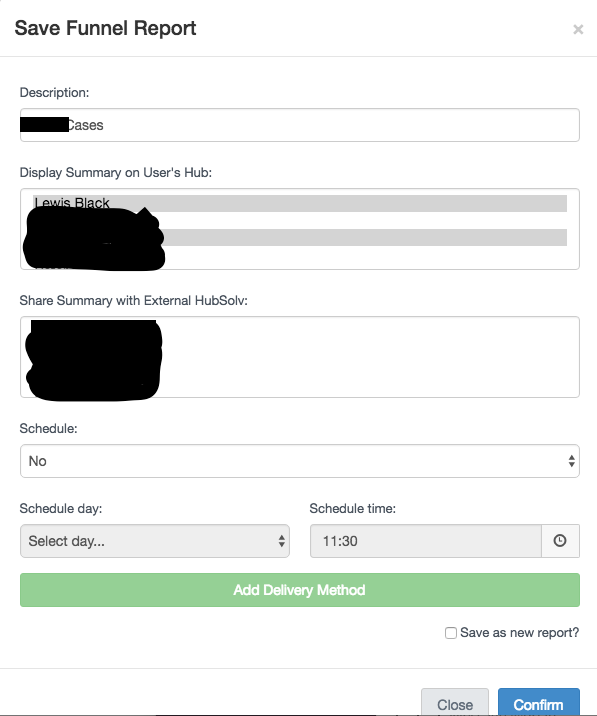
And that's it! Once you have selected the user you want to share a certain report with, it should appear on their dashboard. Please note, the report will not be editable or exportable on their side.
Note- wallboard reports refresh every 15 minutes, so do not panic if they don't appear in real time.
Comments
0 comments
Please sign in to leave a comment.