
A common question we get asked is how to avoid HubSolv generated emails ending up in debtor's Spam folders.
With the industry you are in, it is common for debtors, especially ones with a history of bad debts, defaults, pay-day loans etc, to have built up an online profile for collecting data on debt advice and borrowing, signing up to comparison websites, and to have had their email address shared around marketing companies and lead providers and as a result, may have more stricter controls on what their email inboxes presumes to be unsolicited emails.
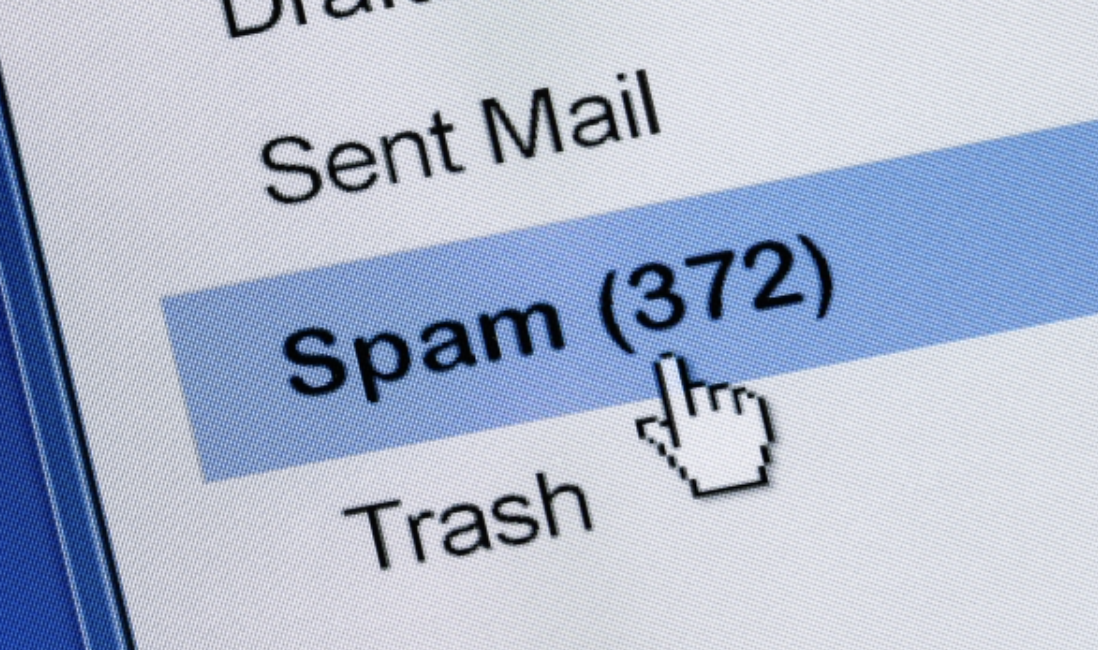
Every recipient server is different and may apply different spam filtering criteria for the messages being received. In most cases, recipient servers do not provide any information about spam filtering to the sender of an email that was filtered. It would give too much information to spammers who would use that data to get around spam filters.
Spam filters are constantly changing to adapt to new techniques and types of spam messages, so what lands in the Inbox today could be spam filtered tomorrow. There are some things you can do to help ensure your emails are being delivered to the inbox.
Most of the major email providers, including Hotmail, Yahoo! and Gmail, use engagement-based filtering to help detect spam. This means that the more your recipients interact with your emails by opening, clicking, and reading, the more highly engaged your audience is, and the more likely you'll end up in their inboxes. If a lot of users are marking a message as spam, it's more likely to end up in other people's spam folders. If customers of yours have moved emails out of the spam folder, that's a positive indicator and can help ensure future emails that are similar are delivered to the Inbox instead.
Mailbox providers evaluate more than just the sender’s IP, domain and content. Yahoo!, in particular, pays close attention to your 'From' field addresses.
Analysts have even noticed variations in deliverability results from using the address support@yourdomain.com versus newsletter@yourdomain.com.
- Avoid frequent changes of From field names
- Avoid obscure From field names, such as: “1338sdsd8@domain.com”, “noreply@domain.com”
- Use clear, trustworthy From field names, such as: “contact@”, “newsletter@”, “office@”, feedback@”
Stick to a limited number of verified, recognizable From field names. Build a good reputation for those addresses by sending only engaging, solicited emails, and you’ll notice the difference.
Spam filters analyze your content. There are no magic keywords to enhance deliverability, but limiting the use of risky words—such as free, buy, promo, etc.—reduces the likelihood of your emails landing in the spam folder.
- Link only to legitimate sites with reputable domains.
- Don’t go crazy with email size (30 kb is just fine.)
- Balance the image-to-text ratio.
Ensuring that both your advisors and customer facing users are highlighting to your customers that emails (especially in the early days with you) may end up in their spam folders is a good idea - and you can also use HubSolv Messenger (click here for more info) as a way of keeping in contact with your customers. HubSolv Messenger can act as a live chat function, and could be a good way of informing your customers that an email has been sent to them by one of your users, or by using automation via Triggers and Workflows.
Comments
0 comments
Please sign in to leave a comment.