
Each campaign can have its own lead sources, generators and types. These are useful for tracking where your leads have come from and can be used for filtering in the report builder.
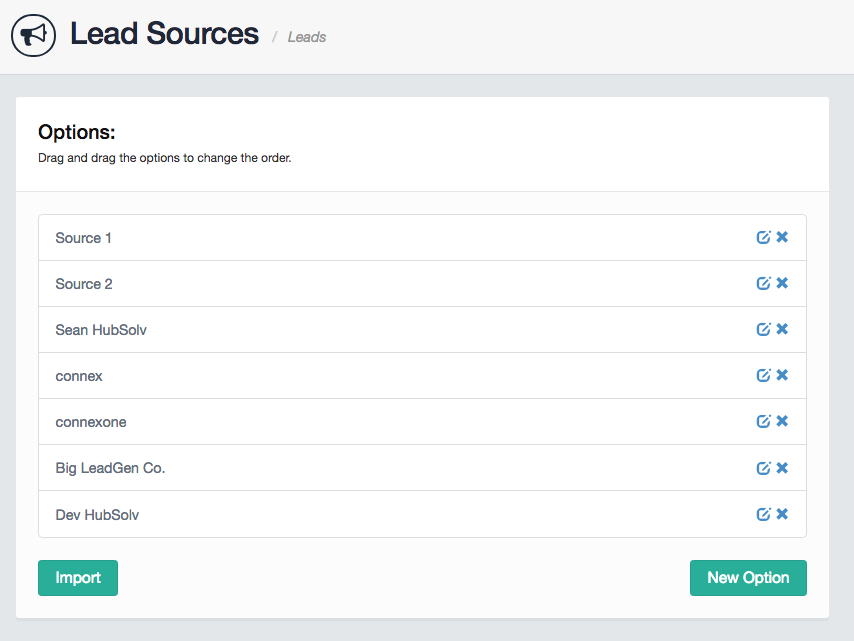
Lead Sources - commonly used by an API to let your HubSolv know where a lead is coming from. for more information on API's click here.
Lead Generators and Types - both are general data entry fields to use for whatever purpose you see fit for your business and can act as a good source of data to report on about the quality of leads that come into your HubSolv. A good example of this would be setting up Generators to track the effectiveness of a particular marketing tool or form. Once again these can be used by an API to pull the relevant information into your HubSolv.
To create a new Lead Source/Generator/Type navigate to the relevant campaign's actions and select the action you wish to update. From there you can import from other campaigns or create a new option.

Once you have data coming into these areas either through an API or manually updating within the client record, you can report on this data via the Reports Builder.
An example report could be a breakdown of all lead sources within a given campaign to see which source produces the most traffic/leads.
Comments
0 comments
Article is closed for comments.