
To assign a lead to a campaign after you have created the record, click the edit client option on the client list.
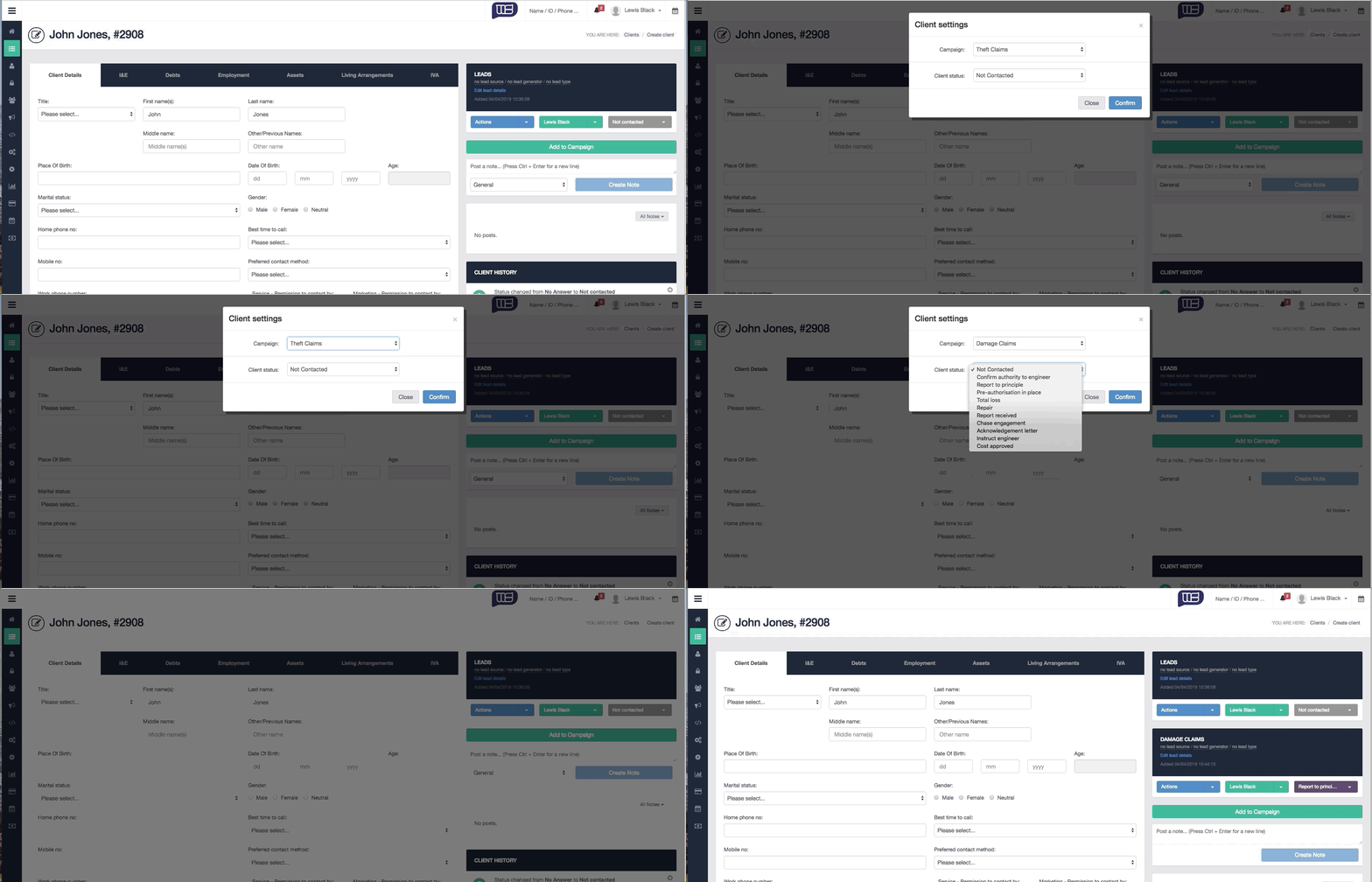
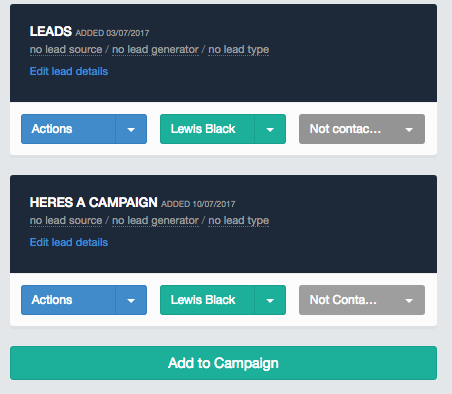
Add the lead to a campaign using the button 'Add to Campaign' below the clients existing campaigns.
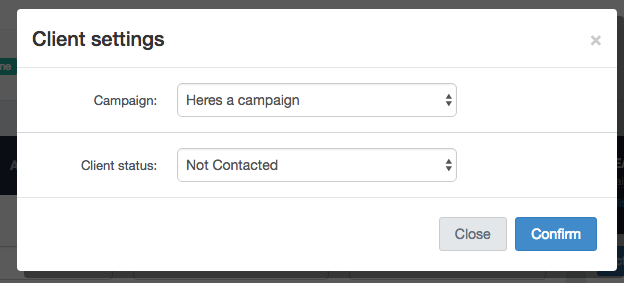
A pop-up will appear showing possible campaigns and lead sources that may be added.
Once confirmed, the campaigns will be listed within the client's record as well as the client's list.
Comments
0 comments
Article is closed for comments.