
Please note: We have rebranded our portal, previously known as Ibby, under the new name HubSolv Messenger. You may find the term Ibby in some of our media. Please bear with us while we work to update the product's name and visuals throughout.
On occasion, users may want screenshots or scans of Bank Statement files. HubSolv Messenger has this functionality built in, to allow clients to upload files from their devices.
The first step if to have the File Upload item added to the conversation. Other items include Bank Connect and Credit Search. Other than items, you can choose a root folder, which is the place where the files uploaded through the portal would get stored.
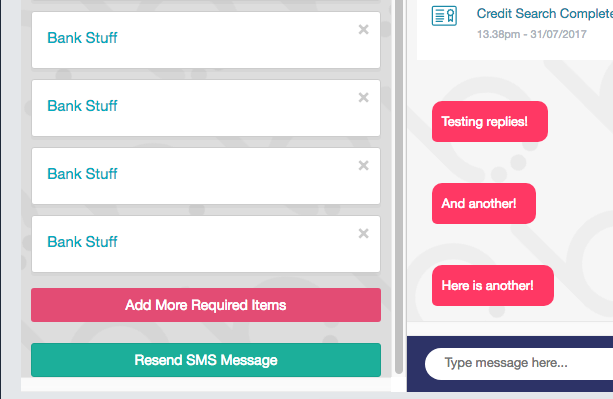
To add items, open up HubSolv Messenger and click on the button to Add more required items.
When adding a new item, the Configuration screen will look like this:
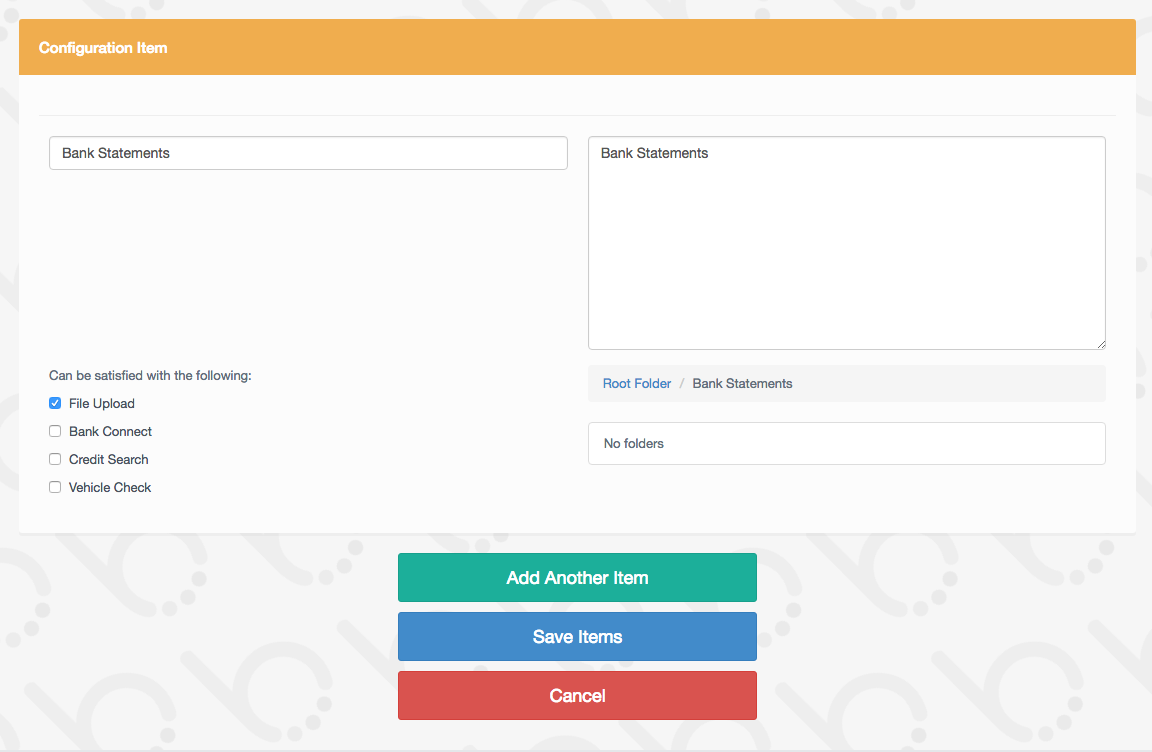
Once an item has been added, click on the Save Items button to activate.
Comments
0 comments
Please sign in to leave a comment.