
https://yourhubsolv.hubsolv.com/user/userlist
Replace yourhubsolv with the subdomain you use to log in to HubSolv.
You can find this in the navigation bar, under User Management, Users.
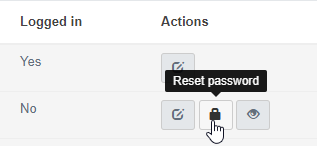
To reset a user's password, we'll need to generate a password reset link - you can request one by going into the user's actions list and clicking on the reset password button; as shown below.
Once submitted, you should receive an email like this:
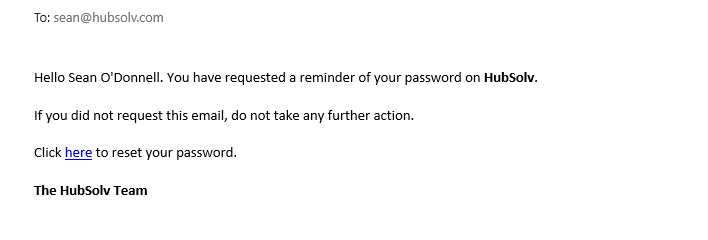
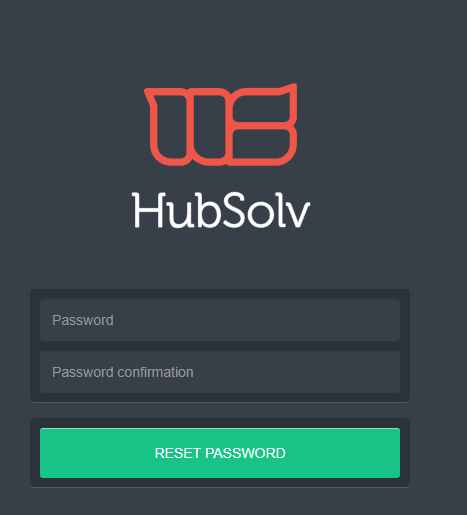
Click on the corresponding link, which will take you to the screen to set a new password.
NB - If you have a custom email domain, it must be setup correctly before this can work.
Comments
0 comments
Article is closed for comments.