
Edit Users
Once a user has been created they can be edited afterwards to correct any errors that may have been made, name changes or to change the permissions that they have within HubSolv.
To do this you will have to go to User Management -> Users on the left hand side (shown below).
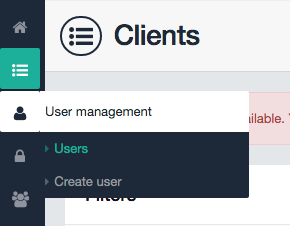
In here you will be presented with a list of users. To edit a user click on the Edit action button to the right of the desired user (shown below).

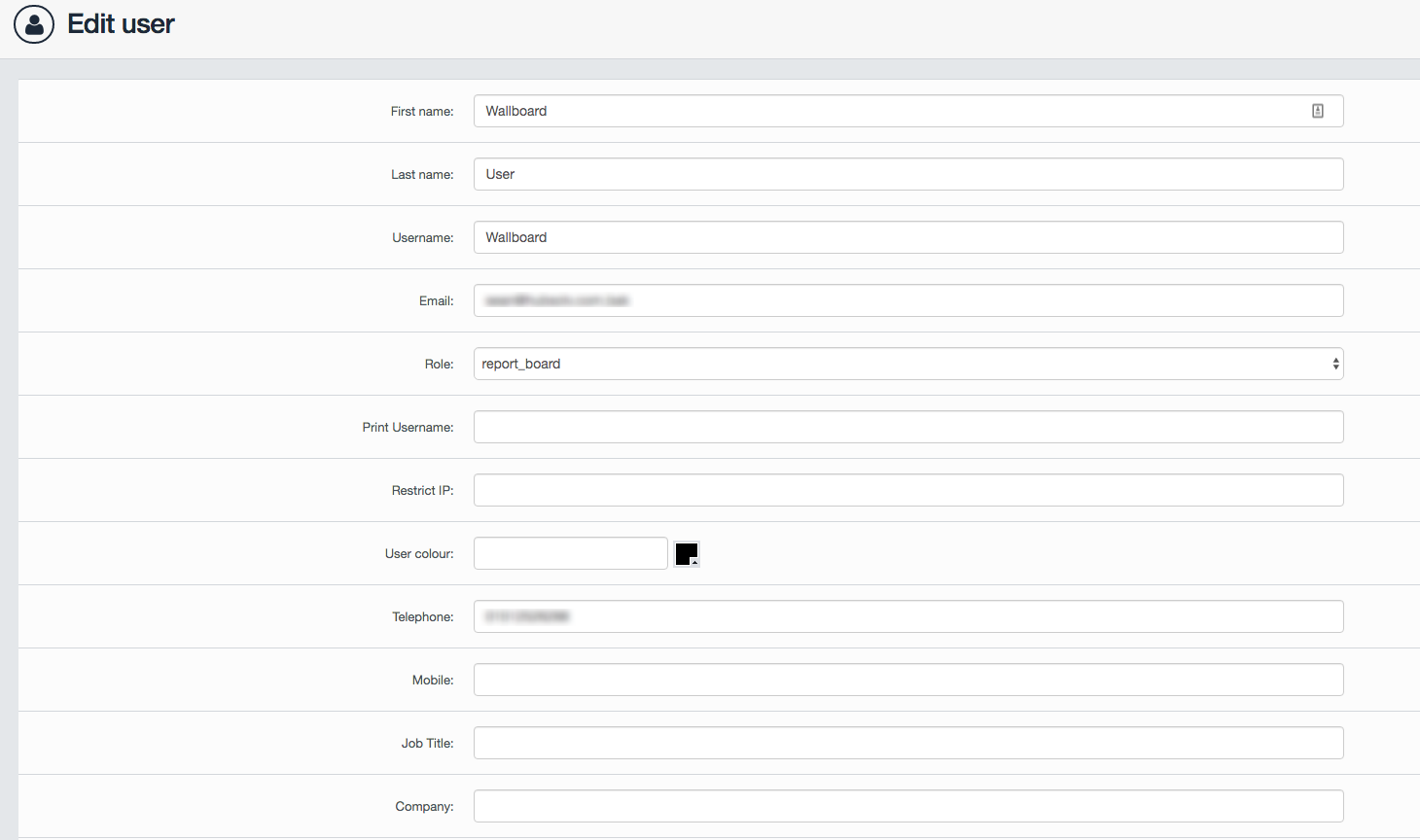
Once in here you will be presented with a new screen (shown below) that will allow you to make any necessary changes to the users profile, such as name, contact information, role, etc.
Password Reset
To reset a users password click on the padlock action button (shown below)

This will send a password reset email to the desired user.
Note: The password reset button does not appear if the user is a superadmin. To reset their password you will have to edit and downgrade their account, then once the email has been sent add them back to the superadmin role.
Disable User
Once a user no longer needs access to HubSolv their account can be disabled using the the eye action button (shown below)

This will prevent this user from being able to access the HubSolv System
Note: The disable user button does not appear if the user is a superadmin. To disable their account you will have to edit and downgrade the account first.
Comments
0 comments
Article is closed for comments.