
The clients list is a place for you to view all clients/leads available to them.
Filters/Search
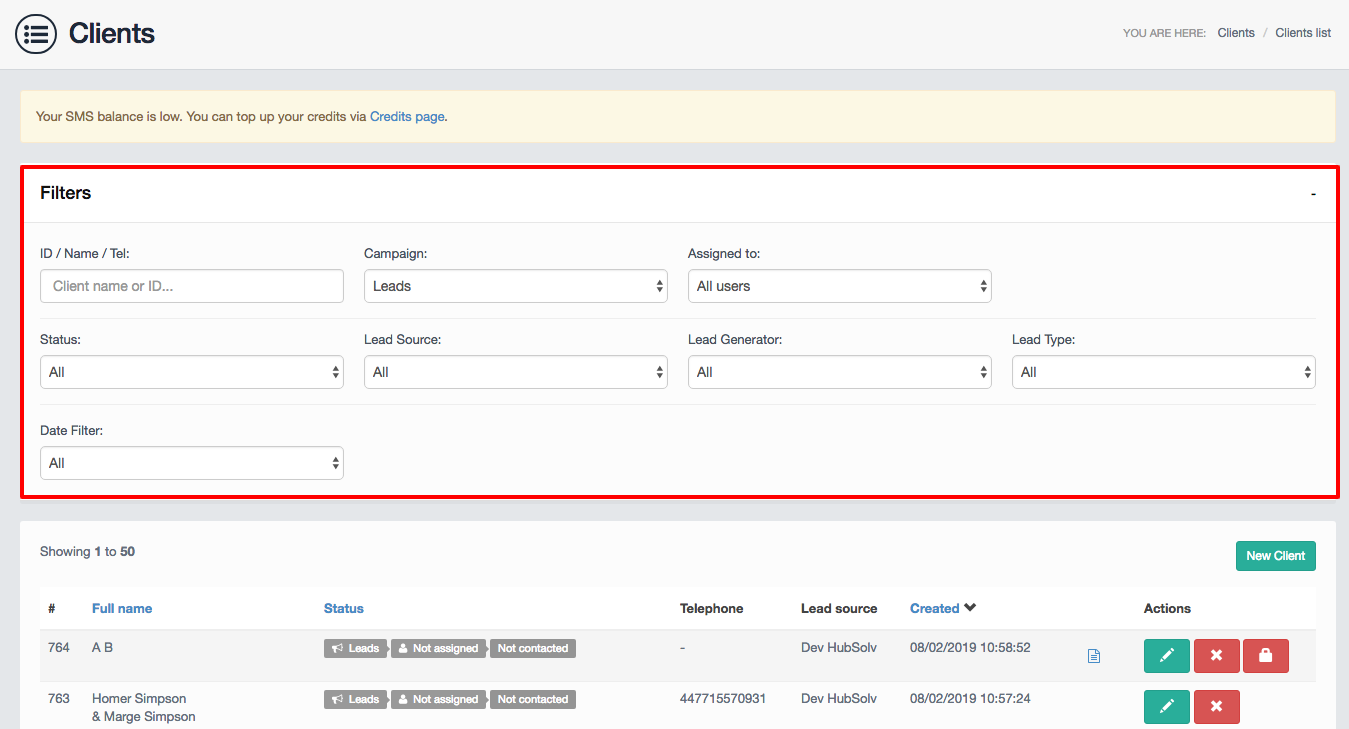
You are able to view all clients currently on the system or alternatively can use the filter options to run a specific search based on;
- Client ID/name
- Campaign(drop-down menu of the created campaigns)
- To whom the lead is assigned to
- Status (only applicable when users have filtered the client list by campaign; as statuses are specific to campaigns)
- Lead source
- Lead generator
- Lead type
- Date filter
Note: The list of clients will be updated automatically as you type
Clients
Below the Filters section, you will be presented with a full list of clients (or a filtered list, if any have been applied). Here you are given key information about their clients such as their ID, Name, which campaign they are currently in, which advisor the client is assigned to and the client’s status.
Note: This view can be sorted by clicking on the Full name heading or the Date created heading
By clicking on the client’s current status, you can access a drop-down menu allowing you to make a quick update to the status (shown below)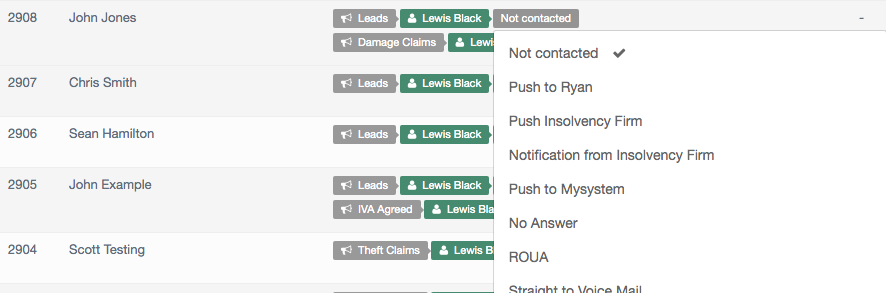
Action Buttons (Editing/Deleting/Locking)
The client list makes user management easy through the user of action buttons.
To the right you can choose to enter the clients record by clicking on the edit button. (shown below)

Note: For more information on the edit view please go here: Managing the Client Record
You can delete client records here using the delete button. (marked with an X)
Note: This functionality is dependent on the user having the correct access to do this. For help with credentials please go here: User Capabilities

You can also utilise a locking function whereby the client's record is locked if another user currently has that record opened.
This would result in no other user being able to edit this record until the padlock icon has been removed. (shown below)

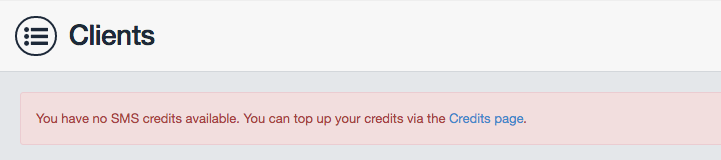
Note: You will be alerted at the top of the page if SMS credits are low or have run out.
Comments
0 comments
Article is closed for comments.