
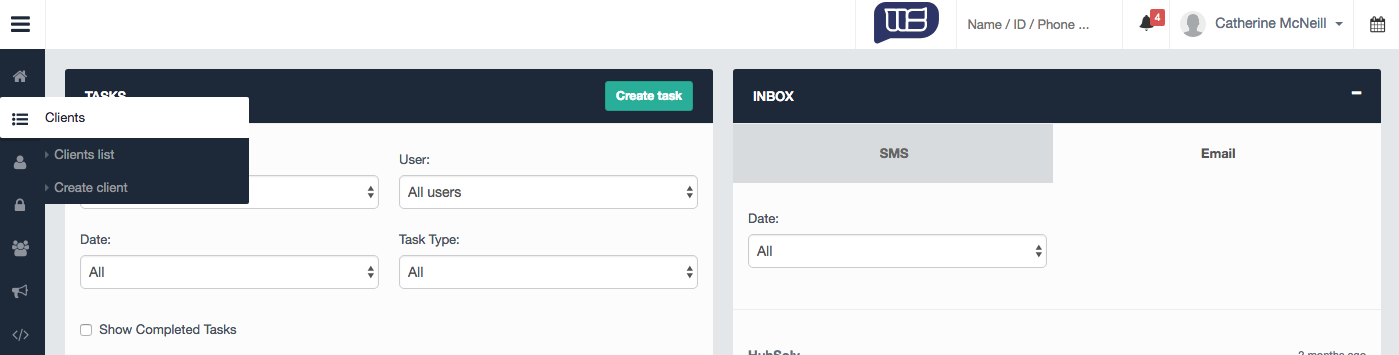
To create a new client select the client menu and select create client. Alternatively, you can create a new client via the client list page and select the 'new client' button.
Client Details
Before any client record is created, You will have the opportunity to complete fields relevant to the clients relating to personal information, preferred contact method, vulnerability status and partner details.
Inputting partner details will associate the record to both people instead of creating a separate record.
Upon completing the client details page, you will be prompted to select a campaign and status for the client.
Once the record has been created, HubSolv will take you to the record where you can edit and update records. You can find the article on managing the client record here
Comments
0 comments
Article is closed for comments.