
You can find and update your personal settings by clicking on your name on the top menu within HubSolv. 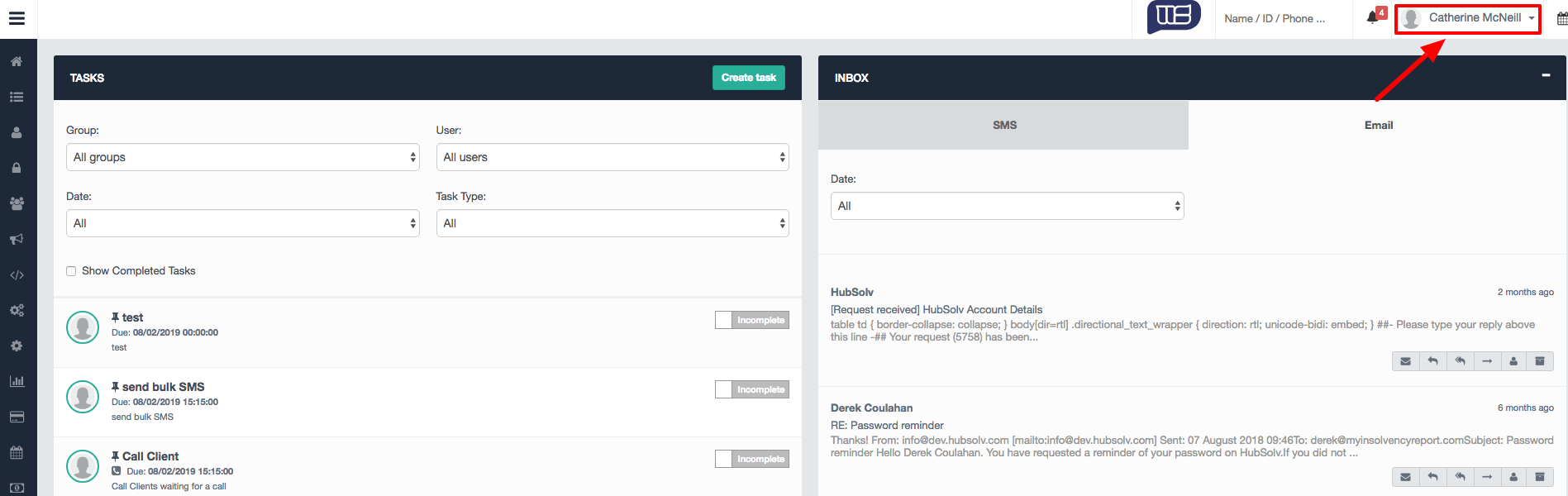
By keeping these settings updated, you will be able to use these fields within SMS and email templates as well as personalising your email signature.
You can also change your password through this menu option and logout from the system (note: any feature updates may require you to log out and log back in for the updates to take effect).
The task reminder bell also sits on the top menu along with the system search functionality where you can search across client records by typing in Name/ID/Phone Number.
You can also access HubSolv Messenger through the icon on the top menu.

Calendar
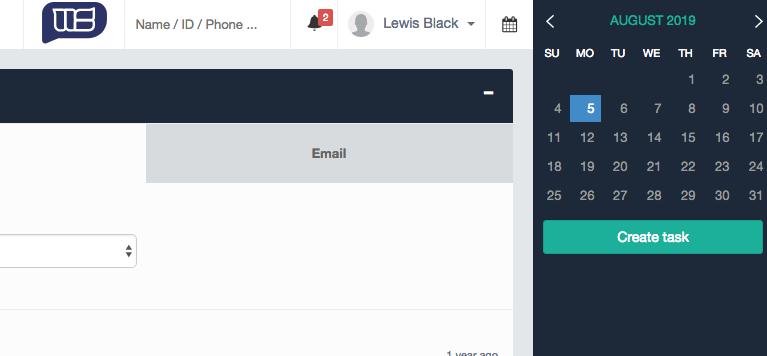
The calendar functionality can be used to create tasks either for yourself or other users which will show on that user's Hub. This is a useful tool to quickly task users to perform actions across hubsolv that may not be directly related to one client, in particular, e.g. a bulk action.
Comments
0 comments
Article is closed for comments.