
Please note: We have rebranded our portal, previously known as Ibby, under the new name HubSolv Messenger. You may find the term Ibby in some of our media. Please bear with us while we work to update the product's name and visuals throughout.
If you forget the password for your ibby account you can send a password reset link to the phone you first registered with to get back into the account.
You can get to Ibby by going to https://client-portal.hubsolv.com
It is a very simple process, on the login screen you should see a Link saying 'Forgot Password?'
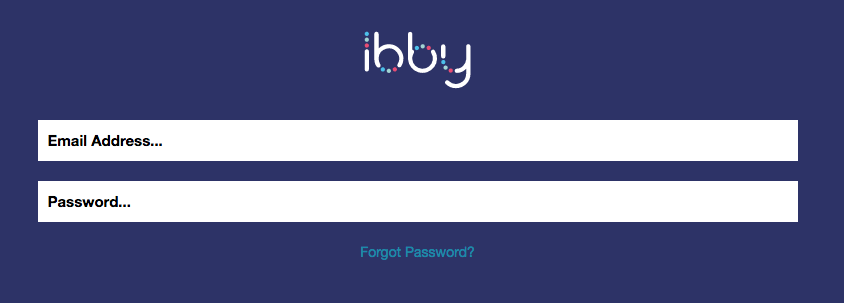
Clicking this will take you to a section where you can enter your email address

Upon doing this it will then notify you that an SMS has been sent to your phone number.
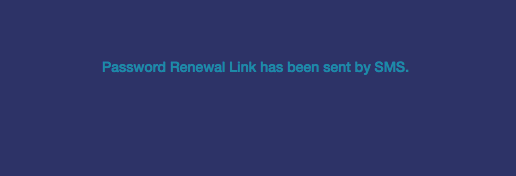
And that should be that, if you check your phone you should now have an SMS from us containing a password reset link.
Comments
0 comments
Please sign in to leave a comment.